Light Meter
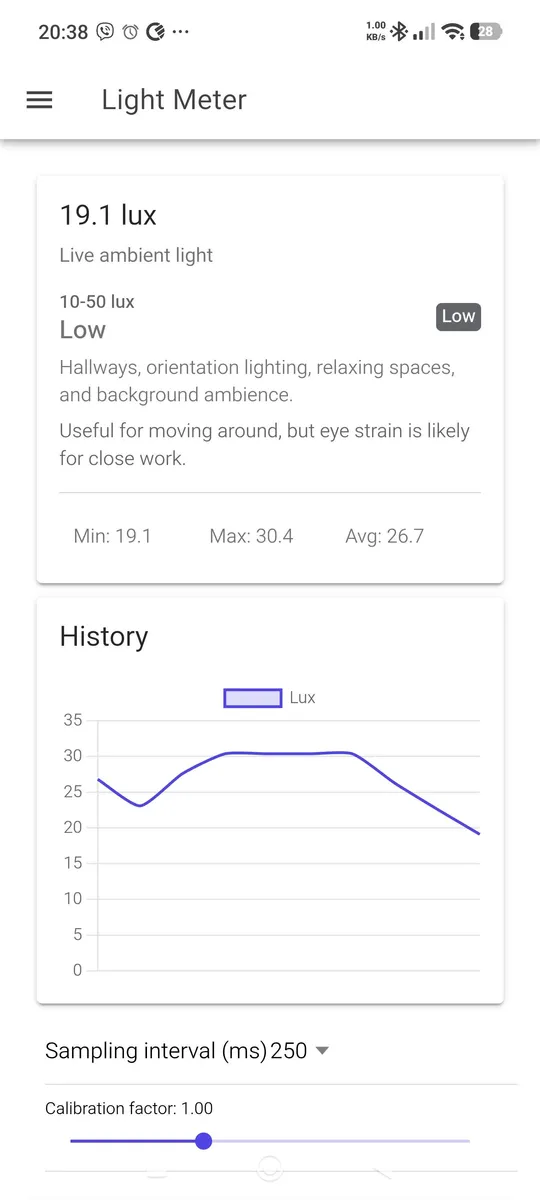
How bright is it really? Light Meter reads your phone's ambient light sensor and shows the current illuminance in lux, together with what that level of light is suitable for: a desk, a hallway, a workshop or a bedroom at night.
Handy when you set up a home office, choose bulbs, check a photo or video setup, or want to know whether your plants get enough light. The app needs no account and collects no data.
Features
Live reading in lux
The current light level, updated continuously from the ambient light sensor.
What it means
Each reading is matched to a light level with the places and tasks it suits.
History chart
See how the light changes over time, with minimum, maximum and average values.
Calibration
Adjust the calibration factor to match a reference meter, and choose how often the sensor is sampled.
Three languages
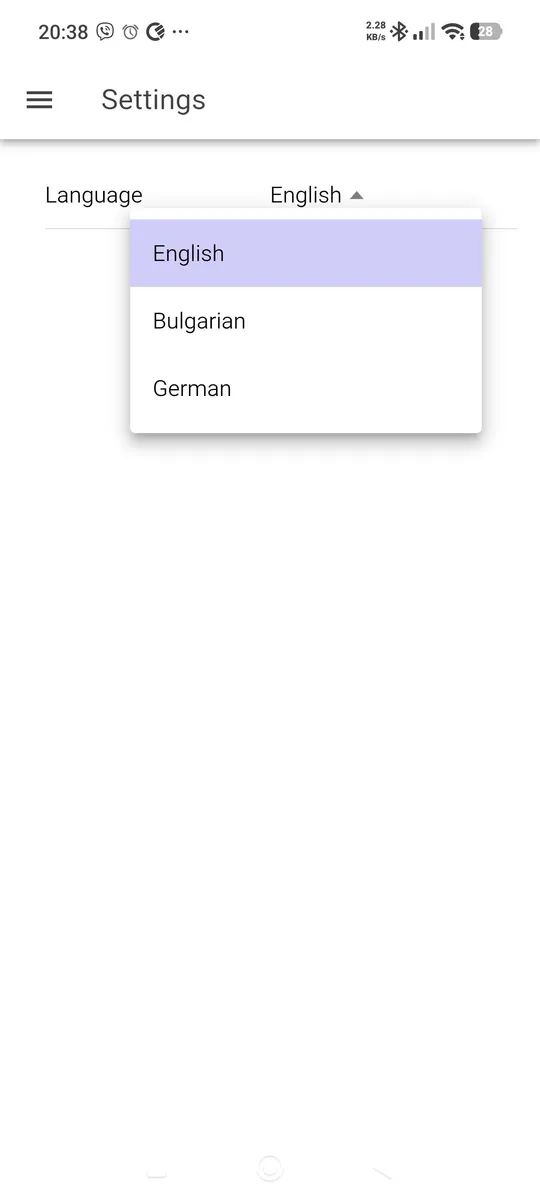
English, Bulgarian and German.
Private
Readings are computed on the device and never leave it. No ads, no analytics, no account.
Screenshots
Light levels at a glance
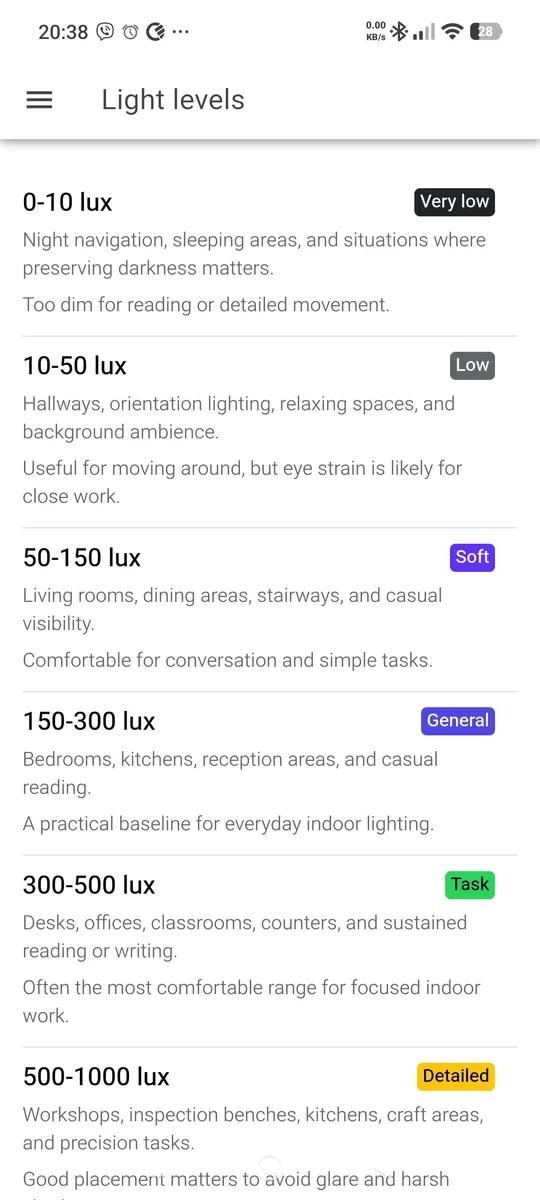
| Lux | Level | Suitable for |
|---|---|---|
| 0–10 | Very low | Night navigation and sleeping areas |
| 10–50 | Low | Hallways, orientation lighting, relaxing spaces |
| 50–150 | Soft | Living rooms, dining areas, stairways |
| 150–300 | General | Bedrooms, kitchens, casual reading |
| 300–500 | Task | Desks, offices, classrooms, sustained reading or writing |
| 500–1000 | Detailed | Workshops, inspection benches, craft and precision work |
| 1000+ | Bright | Daylight, studios, photography setups, plant lighting checks |
These ranges are practical references, not strict rules. Age, task detail, contrast, glare and local standards can change what feels right.
Good to know
Light Meter needs a phone with an ambient light sensor, which most Android phones have, usually next to the front camera. Point the top of the screen towards the light you want to measure. Phone sensors are not laboratory instruments and differ between models, so use the calibration factor if you have a reference meter and treat the readings as a good estimate.
Support
Found a bug or have a suggestion? Write to support@ignatov.eu. Read the privacy policy for this app.